AI-Powered Photo
Enhancement for Lightroom

Transform your images with intelligent AI presets. Select your photos, choose a style, and let AI LightLab do the rest — directly inside Adobe Lightroom Classic.

Get Started
Works inside Lightroom Classic 2K & 4K Output Batch Processing 20 Free Credits Included

How It Works

Three simple steps to transform your photos with AI.

1

Select Photos

Choose one or more photos from your Lightroom catalog. AI LightLab works with RAW, JPEG, and TIFF files.

2

Choose a Preset

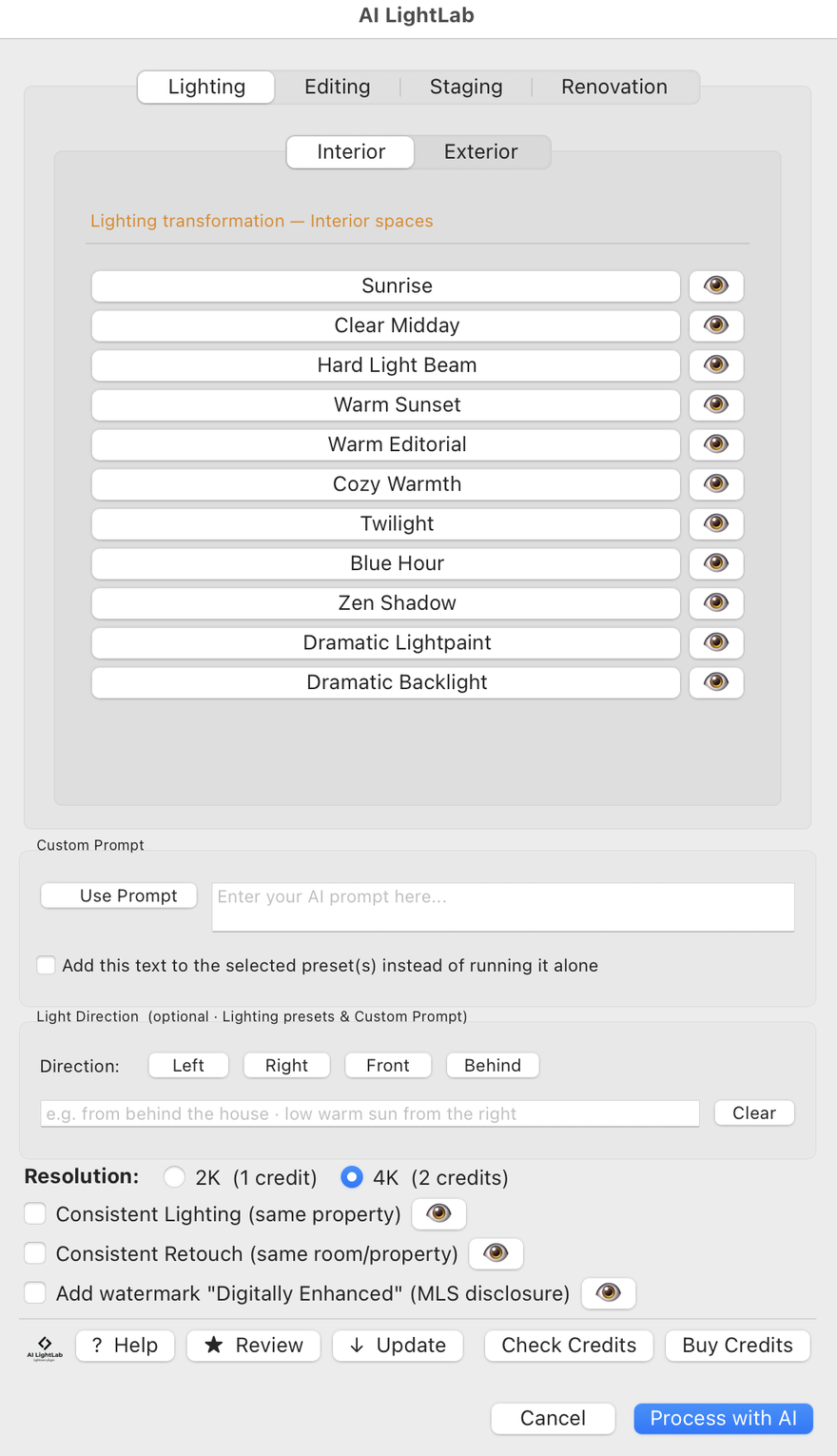
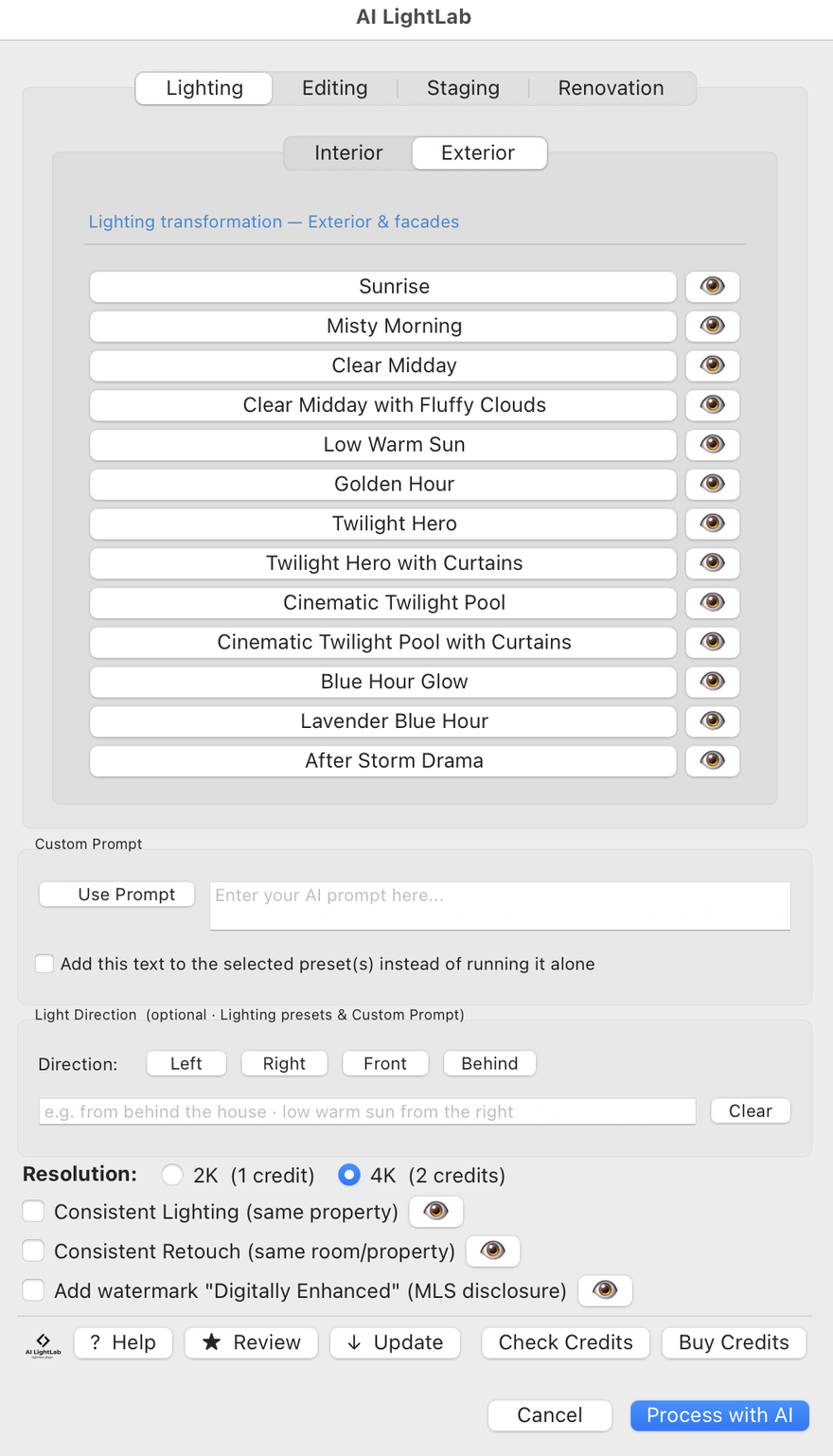
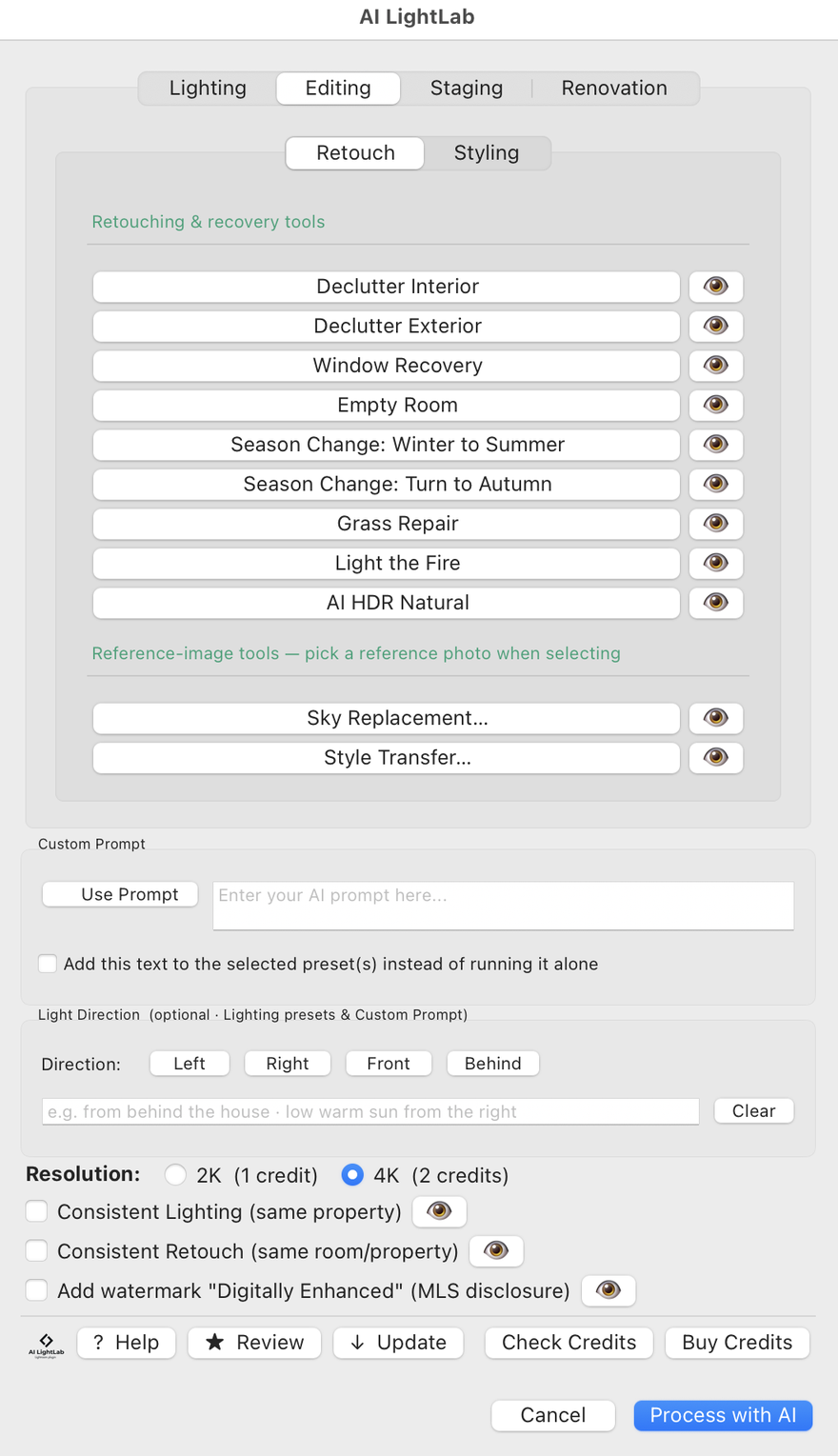
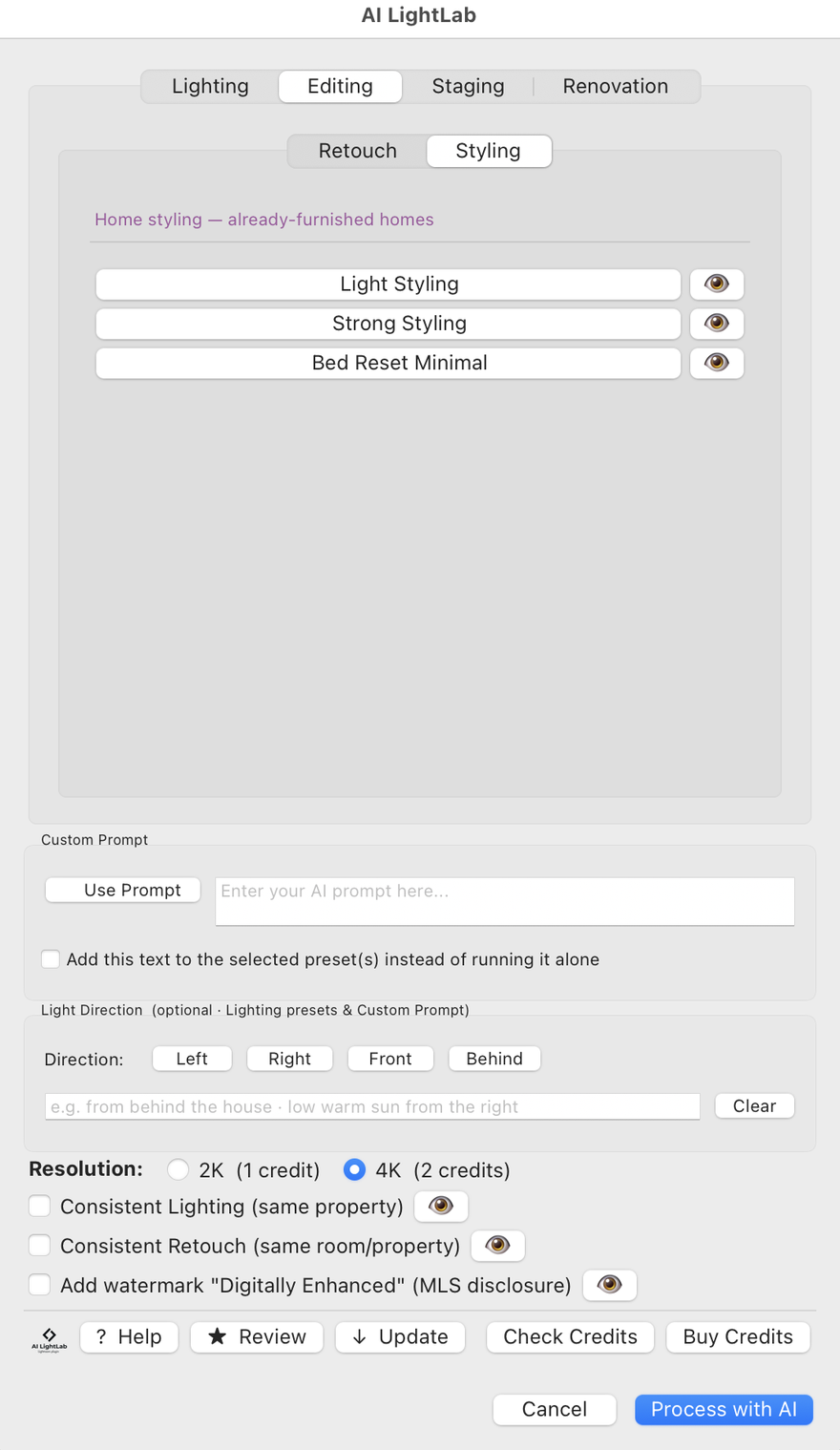
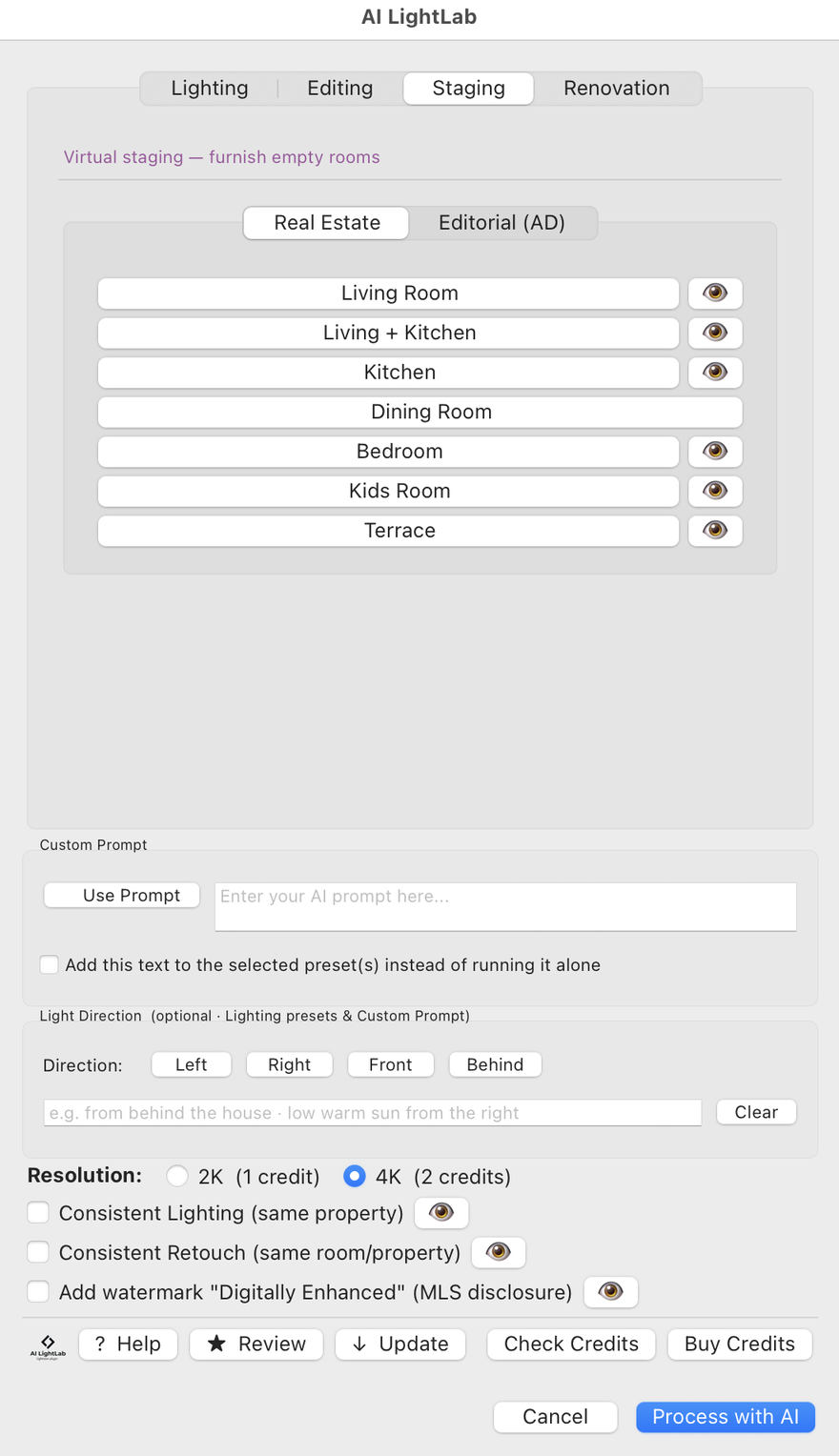
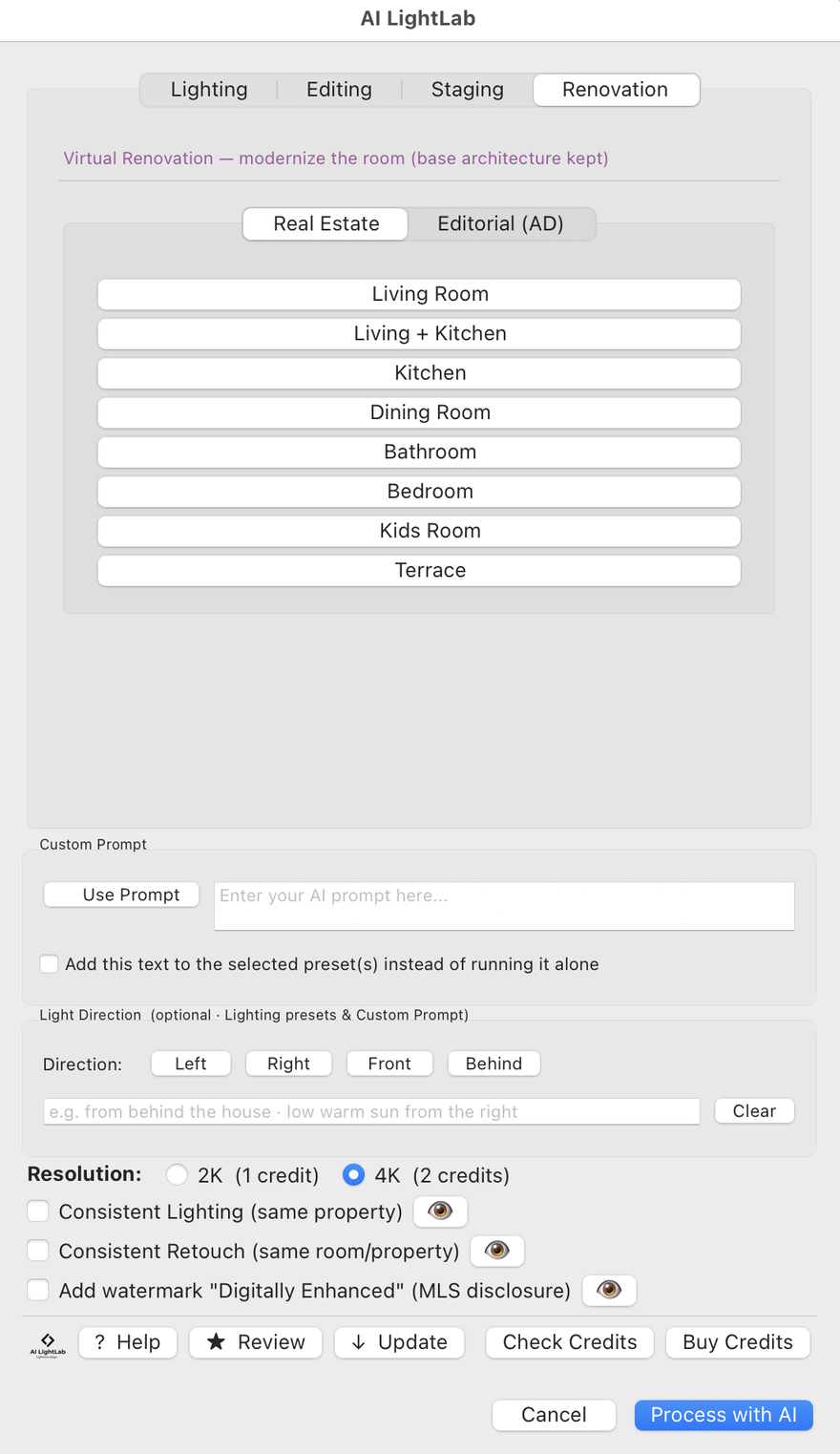
Pick from a library of AI enhancement presets — sunrise warmth, cinematic tones, HDR boost, and many more.

3

Enhance & Done

AI processes your photo and imports the enhanced version back into Lightroom. Review, compare, and keep your favorites.

Before & After

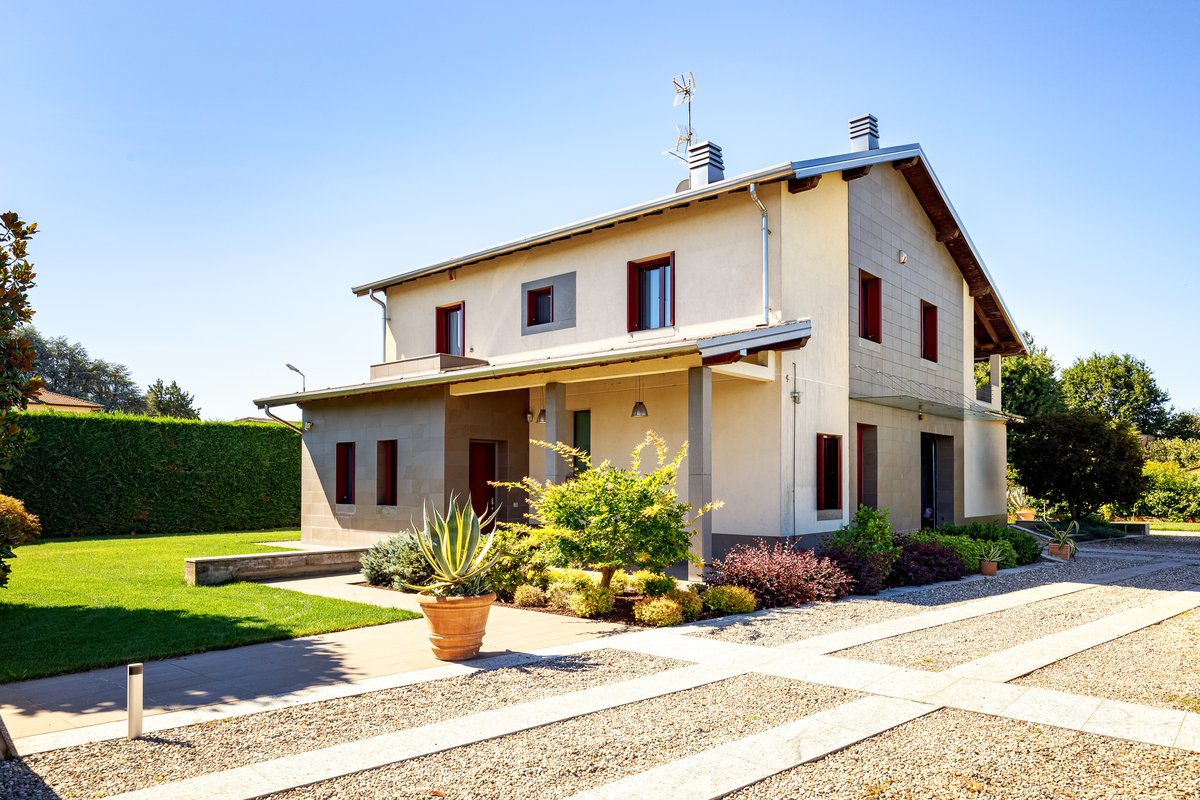
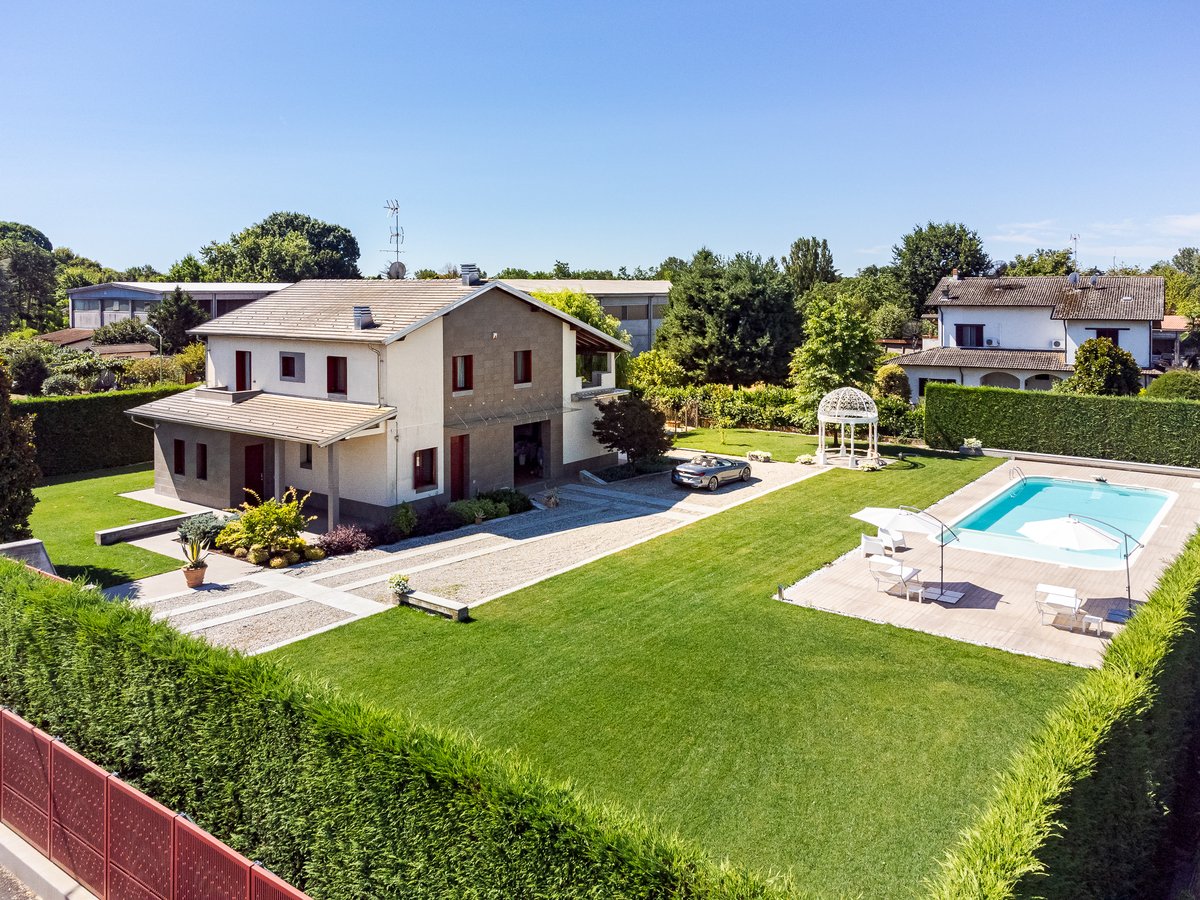
See the difference AI enhancement makes.

Your before & after examples will appear here.
See the HTML comments above for instructions on adding images.

See It in Action

Watch how AI LightLab works inside Lightroom Classic.

Demo video coming soon

Features

Everything you need for AI-powered photo enhancement.

🎨

AI Enhancement Presets

A curated library of presets — from natural golden hour to dramatic HDR — each powered by advanced AI image generation.

Batch Processing

Select multiple photos and process them all at once. AI LightLab handles them sequentially so you can focus on other work.

📈

2K & 4K Output

Choose between 2K resolution (1 credit) or 4K resolution (2 credits) depending on your output needs.

🔒

Lightroom Native

No separate apps needed. AI LightLab runs entirely inside Adobe Lightroom Classic as a native plugin.

📷

Non-Destructive Workflow

Enhanced images are imported as new files alongside your originals. Your source files are never modified.

🌐

Cloud-Powered AI

Processing happens in the cloud using Google Gemini, so it works on any machine — no GPU required.

Pricing

Choose a license, then buy credits as you need them.

Basic

$79 one-time
  • Full plugin access
  • All AI presets included
  • 2K & 4K output
  • Batch processing
  • 20 free credits included
  • Email support
Buy Basic

Credit Packs

1 credit = one 2K enhancement · 2 credits = one 4K enhancement

Pack Credits Price Per Credit
Trial 5 $5.49 $1.10
Starter 25 $22.50 $0.90
Pro 75 $66.99 $0.89
Studio 200 $159.99 $0.80
Agency 500 $359.99 $0.72
🎁 20 free credits included with every license purchase — start enhancing right away!

Frequently Asked Questions

AI LightLab is a plugin for Adobe Lightroom Classic that uses artificial intelligence to enhance your photos. Select your images, choose a style preset, and the AI transforms them — all without leaving Lightroom.

Each AI enhancement costs credits. A 2K enhancement costs 1 credit, and a 4K enhancement costs 2 credits. You get 20 free credits when you purchase a license, and you can buy more credits anytime through our credit packs.

AI LightLab supports two output resolutions: 2K (standard quality, 1 credit per image) and 4K (high resolution, 2 credits per image). Both options produce high-quality AI-enhanced images.

Yes! You can select as many photos as you want in Lightroom and process them all in a single batch. AI LightLab handles each photo sequentially and imports all enhanced versions back into your catalog.

No. Your credits never expire. Buy them when you need them and use them at your own pace.

AI LightLab uses Google Gemini, a state-of-the-art AI model developed by Google. Your photos are processed securely through Google's cloud infrastructure and returned to your Lightroom catalog.

You can purchase additional credit packs at any time. The plugin will let you know your current balance and prompt you to top up when your credits are low.

Yes. Your photos are sent securely to Google's servers for AI processing and are not stored permanently. We do not sell, share, or use your images for any other purpose. See our Privacy Policy for full details.

AI LightLab is compatible with Adobe Lightroom Classic (desktop version). It works on both macOS and Windows.

Plugin licenses can be refunded within 14 days if you haven't used any credits beyond the 20 free ones. Credit packs are non-refundable as they are digital goods. See our Refund Policy for details.